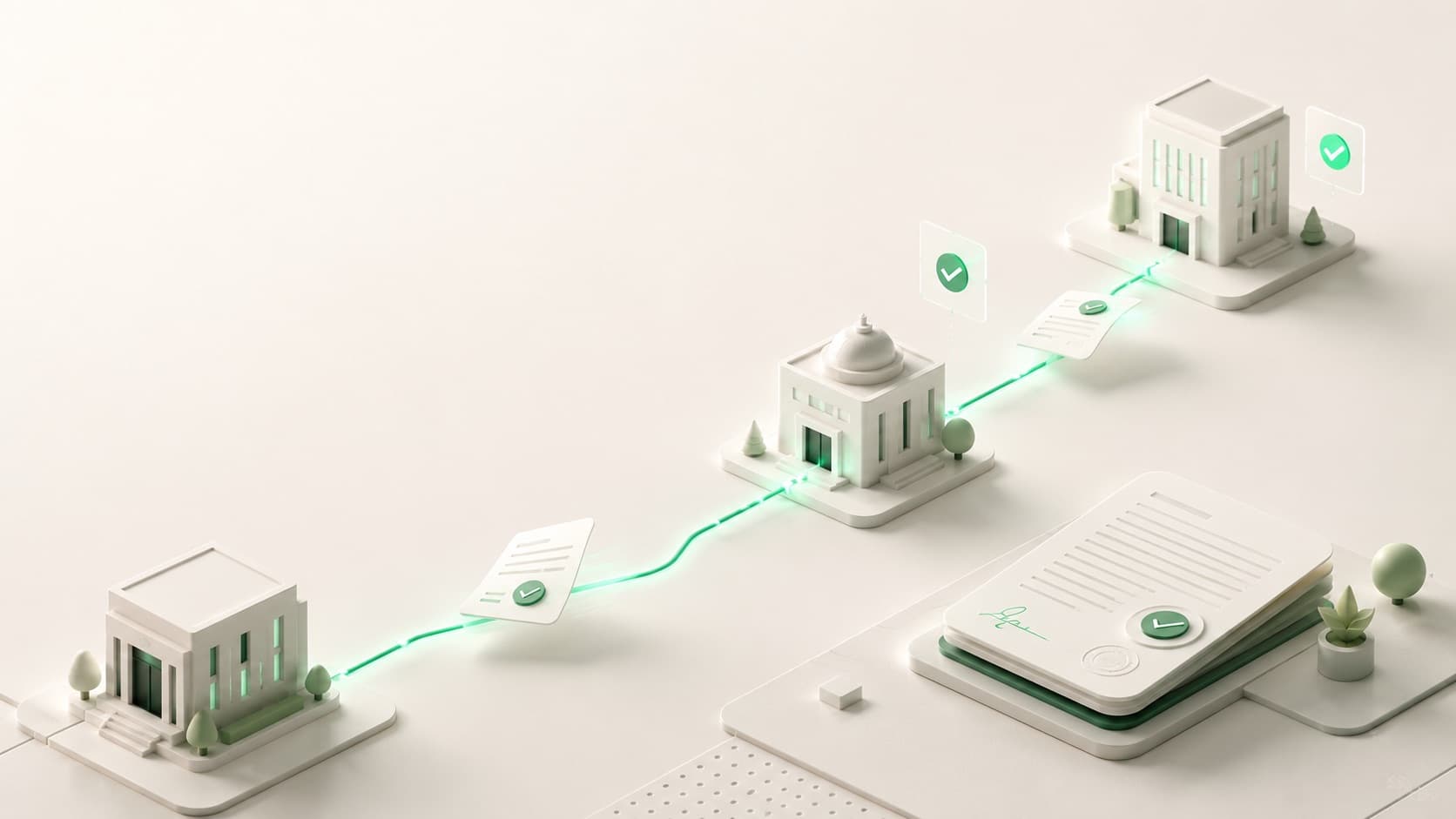
Approved routes per request type
Each transaction type carries a defined path, so every document moves office to office in the same trusted order, every time.

Ruta routes and signs documents across every office in one place, with approvals in hours, a complete trail on every page, and not a single folder carried down the hall.
Routing
074-CLPR-2026
Budget Office
Signed
Accounting Office
Signed
Treasurer's Office
Signing now
Office of the Mayor
Final approval
A single approval should not need five apps and three inboxes. Ruta handles filing, routing, signing, and the audit trail in one place, so every office can skip the workarounds.
File, route, sign, released. One login, one queue, one audit trail.
See how it replaces themEvery request type carries its own approved route. A document follows it automatically, office to office, until it returns signed.
Open the built-in document editor. Upload a file or start from a form, then drop text fields and signature boxes exactly where they belong.
It moves between departments along the request type's path, with no hand-carrying or guesswork.
Each office signs with its own certificate. The finished, audited file returns to the originator.
The everyday flow of office paperwork, made digital without changing who signs what, or in what order.
Each transaction type carries a defined path, so every document moves office to office in the same trusted order, every time.
from filing to the final signature, instead of days spent hand-carrying folders and emailing from office to office.
Each office signs with its own certificate. Type, draw, or upload a signature and it embeds into the PDF exactly where it belongs.
Who signed, when, and from where, recorded on every page. Nothing leaves a gap between offices.
Every office has its own people and signing queue, so the right person signs at the right step.
Documents are encrypted and access-controlled, so only authorized offices can open and sign them.
A single dashboard shows what needs a signature today, what is in motion, and what has already gone out. No inboxes to chase, no folders to find.
Good morning, Engr. Santos
7 documents need your office today
18
In progress
6
For signature
23
Released today